How to Find SAN Number for HughesNet Login
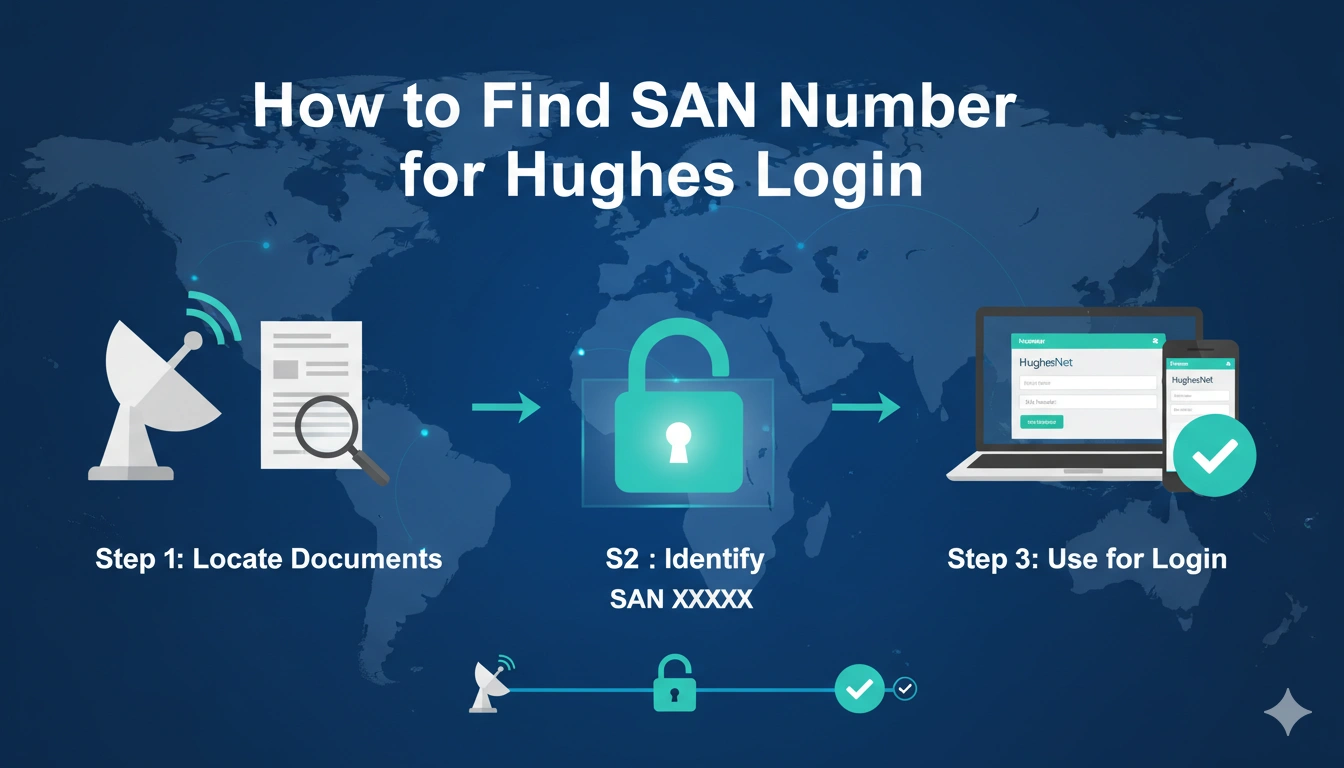
Learn how to find your HughesNet SAN number for login, including where to locate it in MyHughesNet, billing statements, order emails, and the System Control Center.
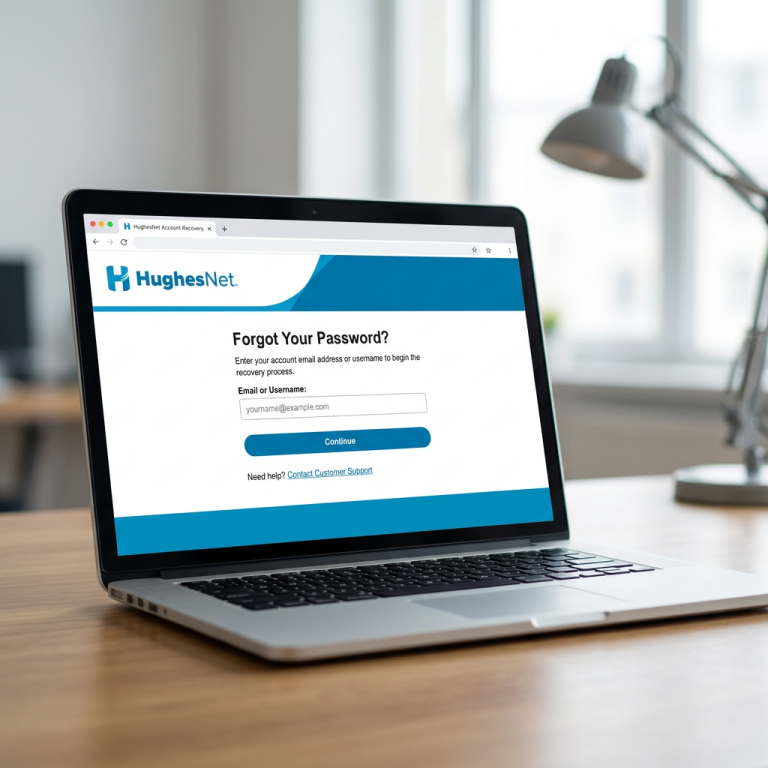
If you’re trying to recover your HughesNet username, reset a password, or create a new MyHughesNet account, the first thing the system often asks for is your SAN number.
SAN stands for Site Account Number, and it works like your HughesNet account identity. Without it, many login recovery options won’t move forward. HughesNet officially uses SAN for username recovery, password reset, billing access, and new account registration.
The good thing is, your SAN is easier to find than most users think.
The Fastest Place to Find Your SAN
The easiest and most reliable place is your monthly HughesNet billing statement.
Your SAN is the same account number shown on the invoice, so if you have any old PDF bill, printed statement, or billing email, you can usually spot it there quickly. HughesNet confirms that the monthly statement account number = SAN.
A lot of users overlook this because they assume SAN is a separate technical number, but it is simply your account number.
So before trying anything else, checking your latest bill is usually the fastest solution.
Find SAN Inside MyHughesNet Account
If you can still sign in, the easiest online method is your MyHughesNet dashboard.
After login, open:
Account → My Information
Your SAN appears in the account details section. HughesNet officially lists this as one of the main ways to locate it.
This is especially useful if you need the SAN for:
- password reset
- recurring payments
- support verification
- service upgrades
Once you know where it lives, future recovery becomes much easier.
Use the HughesNet System Control Center
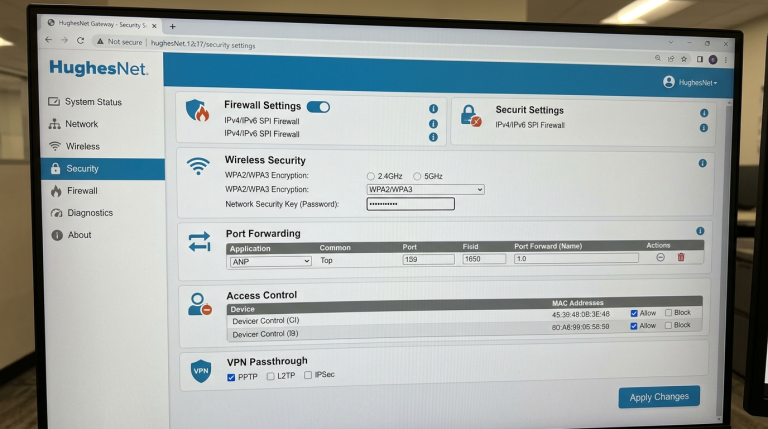
If you cannot access the main account portal, the modem itself can help.
Connect your phone or laptop directly to HughesNet WiFi, then open:
systemcontrolcenter.com
or
192.168.0.1
The SAN is displayed at the top of the System Control Center page, even if your internet is temporarily down. HughesNet officially confirms this method works as long as you are connected to the modem.
This is one of the best methods when you are locked out of MyHughesNet but still connected to your home network.
Check Your Order Confirmation Email
Another place many people forget is the welcome or order confirmation email sent when your HughesNet service was first activated.
HughesNet includes the SAN in many activation and order confirmation emails, usually near your service summary or installation details.
Search your inbox for:
- HughesNet welcome
- order confirmation
- activation
- first invoice
This works surprisingly well for long-time customers.
Why SAN Is Important for Login Recovery
A lot of users only realize the importance of SAN when they forget their username.
HughesNet’s official recovery flow asks for:
your SAN + phone number
before it can show the username linked with your account.
The same thing applies when:
- resetting password
- registering a new MyHughesNet account
- setting recurring payments
- speaking with support
So keeping this number saved somewhere secure can save a lot of time later.
What If You Still Cannot Find SAN?
If you don’t have:
billing statements, email access, MyHughesNet login, or modem access,
the final option is HughesNet customer care.
They can verify your identity using your phone number or service address and help retrieve your SAN. HughesNet officially recommends customer care as the fallback option.
This is usually the best route for older accounts or users changing devices.
Conclusion
The easiest way to find your HughesNet SAN number for login is through your billing statement, MyHughesNet dashboard, System Control Center, or order confirmation email.
The fastest option for most users is the monthly invoice, while locked-out users often find it fastest through systemcontrolcenter.com while connected to their modem.
Since SAN is required for username recovery, password reset, and account registration, it’s smart to save it somewhere secure once you find it.
That one small habit can make every future HughesNet login issue much easier to solve.
FAQs
What is SAN in HughesNet login?
SAN means Site Account Number, which HughesNet uses for account recovery and login verification.
Where is SAN on HughesNet bill?
It is the same as the account number shown on your monthly billing statement.
Can I find SAN without internet?
Yes, open systemcontrolcenter.com while connected to your HughesNet modem.
Is SAN required for forgot username?
Yes, HughesNet asks for SAN and your phone number during username recovery.
What if I lost my bill and email?
Contact HughesNet support and verify your account using your phone number or service address.