How to Access HughesNet Login on Mobile App
Learn how to access HughesNet login on the mobile app, sign in with the same MyHughesNet credentials, fix app login issues, and manage billing, data, and WiFi from your phone.
If you want to manage your HughesNet account without opening a laptop every time, the myHughesNet mobile app is the easiest way to do it.
The app gives you quick access to billing, data usage, WiFi tools, support, alerts, and even Data Token purchases directly from your phone. HughesNet officially confirms that the same username and password you use on myhughesnet.com also works on the mobile app.
That means once your account is already set up, mobile login only takes a few seconds.
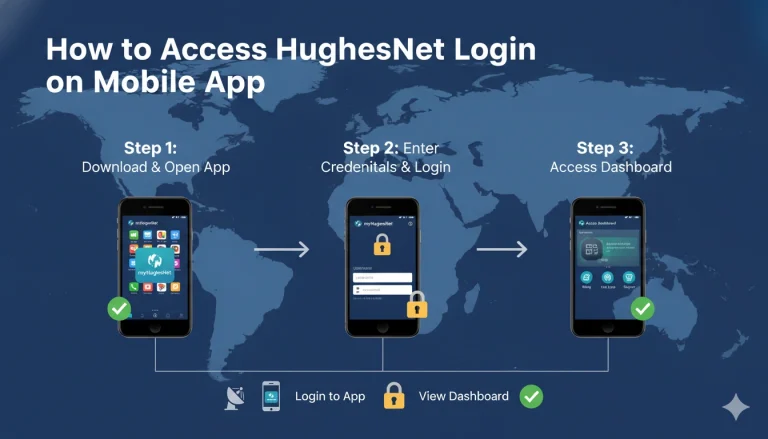
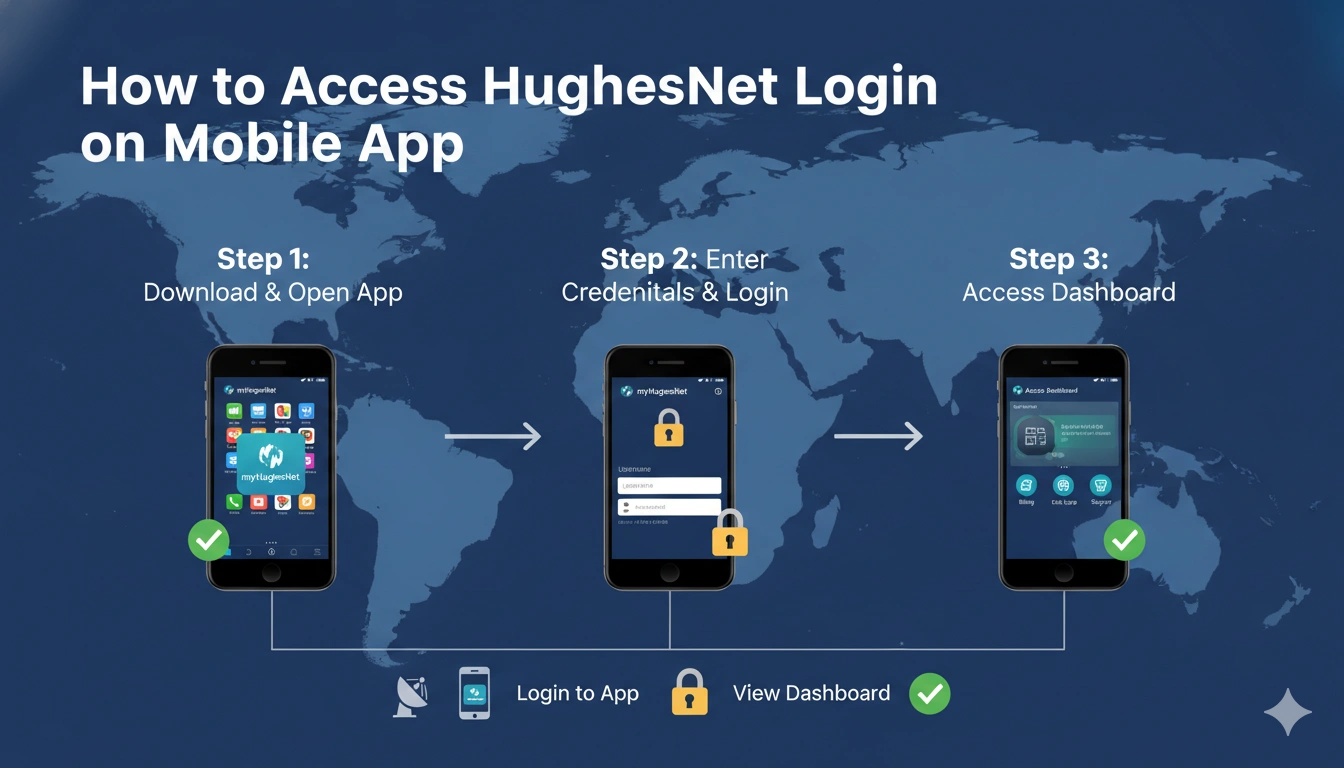
Download the Official myHughesNet App First
Start by installing the official myHughesNet mobile app from either:
- Google Play Store
- Apple App Store
HughesNet officially provides the app for both Android and iPhone users, and it supports account management, usage tracking, payment tools, and WiFi signal testing.
Once installed, open the app and you’ll land on the sign-in screen.
Login With Your MyHughesNet Username and Password
The login process is exactly the same as the website.
Simply enter:
your MyHughesNet username
and password
Then tap Sign In.
The app immediately opens your account dashboard where you can access:
billing, usage meter, support articles, WiFi management, and alerts. HughesNet officially states that the mobile app uses the same website credentials without creating a separate account.
This makes the mobile app one of the fastest ways to manage your service.
What You Can Do After Mobile Login
After login, the app dashboard gives you almost everything available on desktop.
The most used features include:
checking remaining data, paying bills, buying tokens, changing notifications, reading FAQs, and testing WiFi signal strength.
The bottom menu usually shows tabs like:
Overview, Account, Billing, Usage, Support, and Shop. HughesNet’s official app layout uses this same navigation structure.
This is why many users now prefer the app over the full website.
Check Data Usage Right From the App
One of the best reasons to use mobile login is quick access to the Usage tab.
Tap Usage from the bottom menu and the app shows:
remaining Priority Data, reset date, usage history, and token purchase options. HughesNet officially confirms this path:
App → Usage → Usage Details / Usage History.
This helps you avoid surprise speed slowdowns.
Why Mobile App Login Is Not Working
If the app is not letting you sign in, the issue is usually simple.
Most login failures happen because:
wrong saved password, outdated app version, weak phone internet, or older cached session data.
The fastest fixes are:
updating the app, clearing app cache, switching from mobile data to WiFi, or resetting the account password.
Since the app and website share the same credentials, changing the website password also updates the app login instantly.
So app login problems are usually easy to solve.
Enable Alerts and Notifications After Login
A useful feature many users ignore is notification settings.
After login, open:
Account → Notification Settings
From there you can enable:
billing reminders, service alerts, and usage warnings by email or SMS.
HughesNet officially supports changing these settings directly from the mobile app.
This is helpful if you want early warnings before data runs low.
Conclusion
Accessing HughesNet login on the mobile app is simple because it uses the same username and password as your MyHughesNet website account.
After signing in, you can manage:
billing, data usage, WiFi signal checks, support, notifications, and token purchases right from your phone.
For most users, the app is actually the fastest way to stay in control of their HughesNet service.
Once it’s installed, everyday account management becomes much easier.
FAQs
Do I need a separate account for HughesNet mobile app?
No, use the same MyHughesNet website username and password.
Can I check data usage in the app?
Yes, open Usage from the bottom menu.
Can I buy data tokens from the app?
Yes, the app supports Buy Token directly from Usage or Overview.
Why is mobile login not working?
Usually due to wrong password, outdated app, or cached session issues.
Can I pay my HughesNet bill in the app?
Yes, billing and payment tools are fully supported.