How to Login to HughesNet Account Without Username
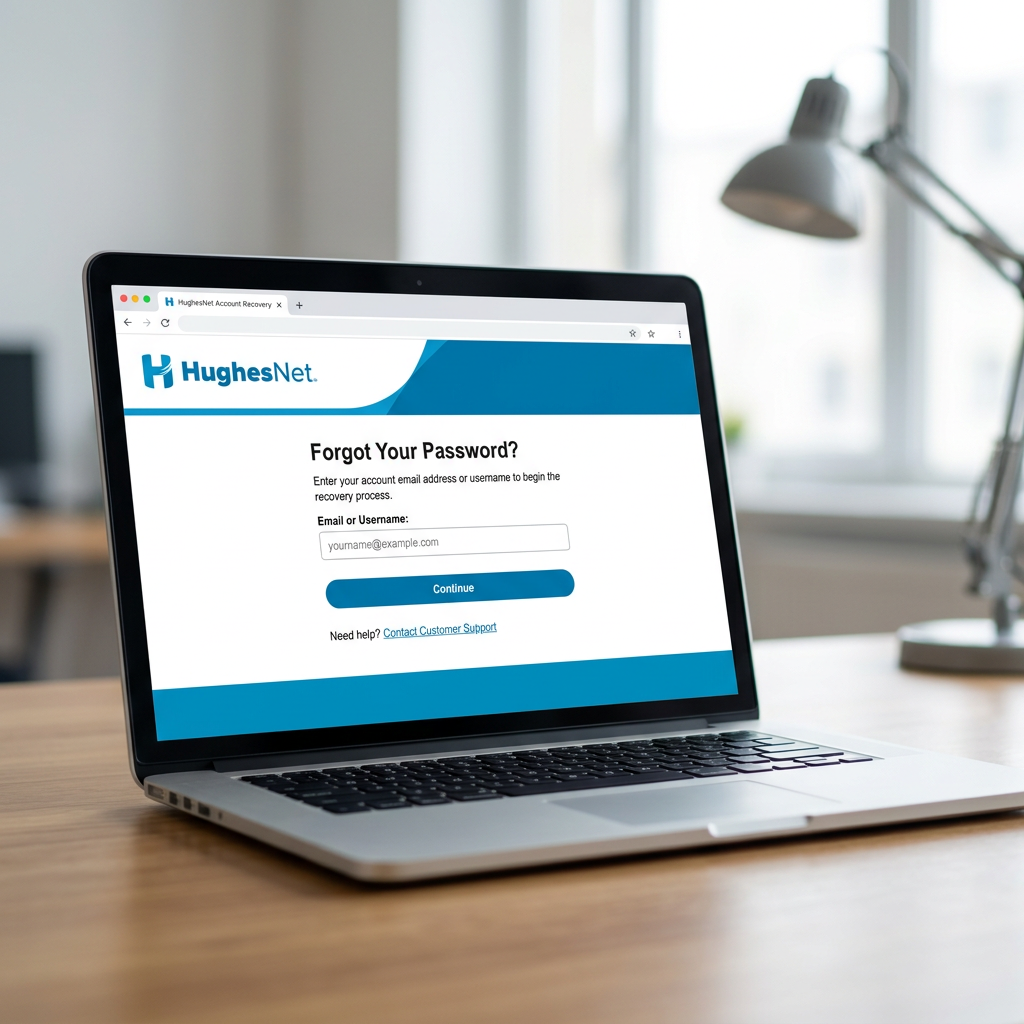
Learn how to login to your HughesNet account without a username using SAN number, phone verification, username recovery, password reset, and easy fixes for sign-in issues.
You open the login page, and suddenly you realize you don’t remember:
- username
- email used
- password
- recovery details
- account ID
The good news?
You can still login to your HughesNet account without username by using the Forgot Username recovery system with your SAN number and registered phone number. HughesNet officially lets users recover all usernames linked to their account from the sign-in page.
That means you are usually only a few minutes away from getting back in.
Use the Forgot Username Option First
The easiest way to access myHughesNet login without username is the official recovery tool.
Go to the sign-in page and click:
- Forgot Username
HughesNet’s official support confirms this option is built directly into the sign-in screen.
This is always the safest first step.
Enter Your SAN Number and Phone Number
After clicking Forgot Username, the system asks for:
- SAN (Site Account Number)
- daytime phone number linked to account
According to HughesNet, once you enter both correctly, it displays all usernames associated with that account.
This is the main way to recover access without already knowing the username.
Where to Find Your SAN
If you forgot your SAN too, check:
- monthly HughesNet bill
- order confirmation email
- System Control Center
- service installation paperwork
HughesNet officially says the SAN can also be found through systemcontrolcenter.com while connected to your HughesNet internet.
That’s a huge help for recovery.
Select the Correct Username and Continue Login
Once HughesNet shows the list of usernames, simply:
- choose your username
- continue to sign in
- enter your password
- access dashboard
This works great if you have:
- multiple family logins
- billing logins
- old app usernames
- separate email subscriptions
A lot of users forget they created more than one login.
Pretty common, honestly.
What If You Forgot the Password Too?
No problem.
If both the username and password are missing, do this order:
Recovery Workflow
- click Forgot Username
- recover username
- return to login page
- click Forgot Password
- reset password
- login normally
HughesNet officially supports both recovery tools on the same sign-in page.
This is the fastest complete recovery path.
Reset Password Using Recovery Mobile Number
If you added a Recovery Mobile Number, the process becomes even easier.
HughesNet lets users:
- receive one-time SMS code
- verify identity
- create new password instantly
This is the fastest route for HughesNet login without username and password.
Best Tip
After login, always update:
- recovery mobile
- backup email
- security questions
This prevents future lockouts.
Use Security Questions If SMS Is Not Available
No access to your phone?
You can still recover through security questions.
HughesNet allows password recovery by answering your pre-set security questions after username recovery.
This works best when:
- old phone number inactive
- SIM changed
- no SMS service
- traveling
- mobile lost
A lot of users skip this during setup, but it’s super useful later.
How to Login If You Never Created an Online Account
Some users are trying to login without username because they never registered on myHughesNet.
In that case, the issue is not forgotten username.
You need to create a new account first.
HughesNet registration requires:
- SAN number
- daytime phone number
- new username
- password
- security questions
After registration, you can use the new username for:
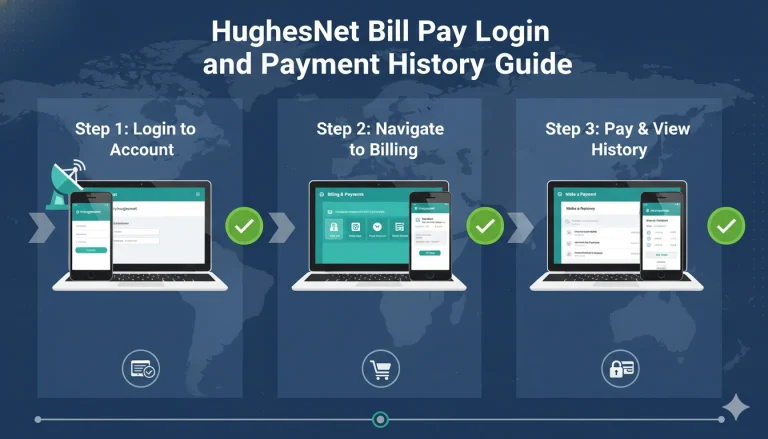
- billing
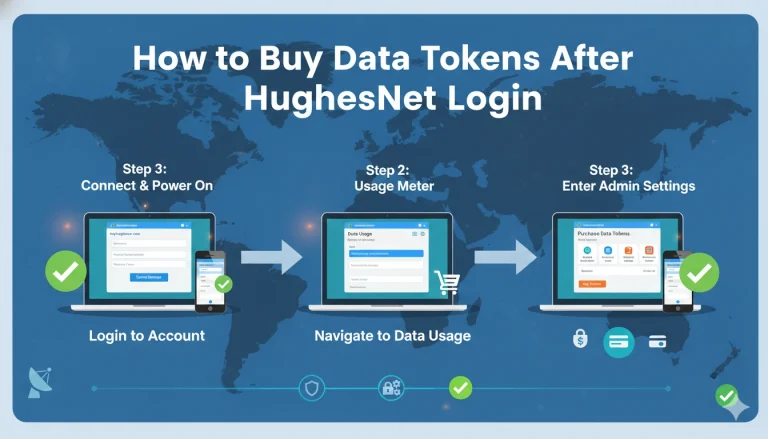
- data tokens
- app login
- service diagnostics
- support access
This is a common issue for new customers.
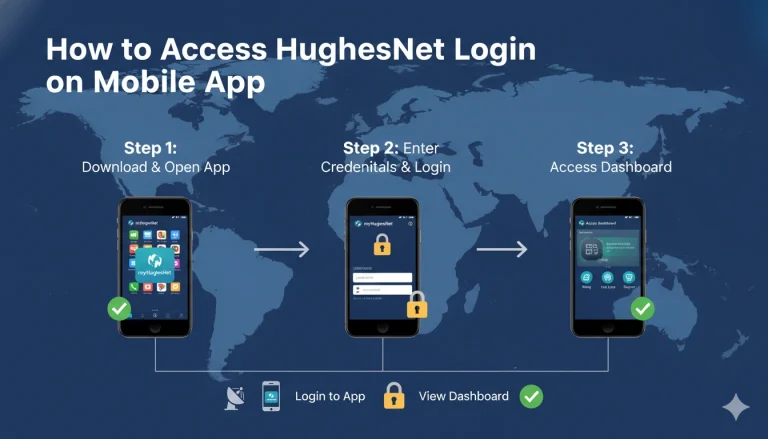
Use the Same Login for Mobile App
A lot of people forget this:
The same recovered username works for:
- myHughesNet website
- HughesNet mobile app
HughesNet confirms single sign-on works across both platforms.
So once recovered, save it in:
- password manager
- notes app
- browser autofill
- secure email draft
This saves time later.
Why Username Recovery Might Not Work
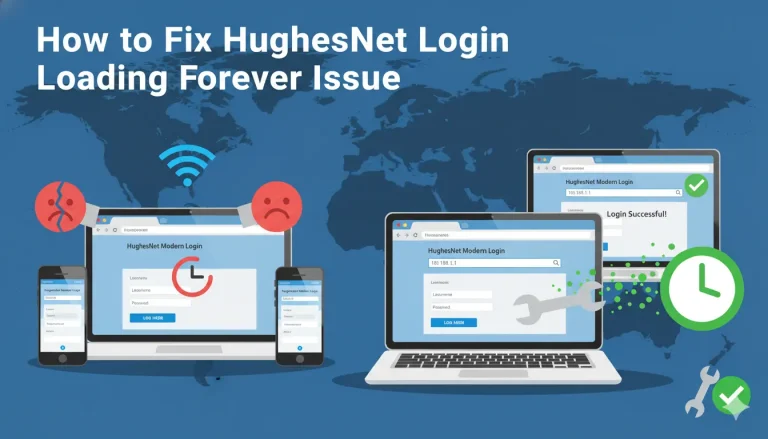
Sometimes the HughesNet username recovery page may fail.
Common reasons:
- wrong SAN entered
- old phone number
- billing phone mismatch
- typo in SAN
- using another family member’s account details
Fast Fixes
- recheck SAN carefully
- use daytime billing phone
- remove spaces
- try Chrome
- retry on laptop
- check monthly statement
Usually the issue is one small mismatch.
Best Browser Fix for Recovery Page
HughesNet pages can sometimes load oddly on outdated browsers.
For smooth recovery use:
- Chrome
- Edge
- Firefox
The official site itself recommends supported modern browsers.
Avoid:
- old Safari
- outdated Firefox builds
- mobile in-app browsers
- old cached tabs
This solves many sign-in page issues.
How to Avoid Losing Username Again
Once you recover your HughesNet username, secure it immediately.
Smart Safety Checklist
- save username in Google Password Manager
- add recovery mobile number
- update security questions
- store SAN in notes
- save billing PDF
- bookmark login page
This turns future recovery into a 30-second process.
When to Contact HughesNet Support
If recovery still fails, contact HughesNet support.
Best reasons to contact them:
- SAN not recognized
- old phone number unavailable
- security answers forgotten
- no account list showing
- account locked
HughesNet support can manually verify:
- SAN ownership
- phone match
- account access
- billing identity
- username records
This is the final recovery route.
Best User Workflow for Easy Future Login
The smartest long-term workflow is:
After Successful Login
- save username
- enable recovery mobile
- reset password
- verify security questions
- keep SAN saved
- test app login too
Small steps now prevent major login stress later.
Conclusion
The easiest way to login to a HughesNet account without username is to use the Forgot Username option with your SAN number and registered phone number, recover the username list, then continue sign in normally.
The smartest workflow is:
- recover username first
- use SAN + phone
- reset password if needed
- update recovery mobile
- save username securely
- keep SAN for emergencies
Most of the time, the username is not truly lost—it just needs the official recovery flow.
Want the next HughesNet SEO article in this series? Send the next title and I’ll write another 1500+ word Google-rankable article in your full checklist style.
FAQs
Can I login to HughesNet without knowing my username?
Yes, use the Forgot Username tool and enter your SAN number plus registered phone number.
Where can I find my SAN number?
You can find it on your monthly bill, order confirmation email, or systemcontrolcenter.com while connected to HughesNet.
What if I forgot both username and password?
Recover the username first, then use Forgot Password to reset the password.
Does the same username work in the mobile app?
Yes, the same myHughesNet login works on both web and mobile app.
What if the SAN recovery page does not work?
Double-check your SAN and billing phone number, then contact HughesNet support if it still fails.